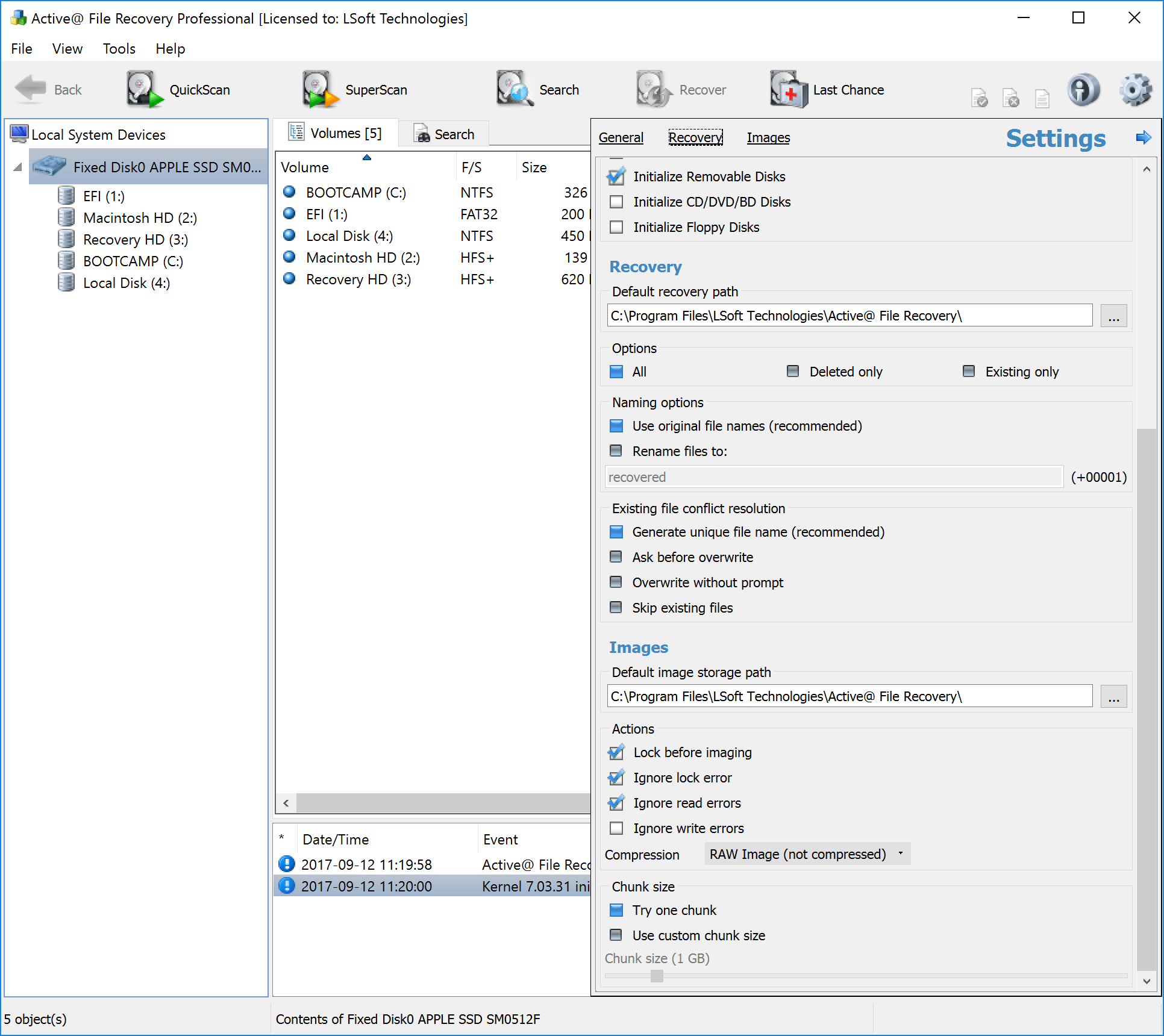
Active@ File Recovery Ultimate installation packages contain a CD/DVD ISO image that can be burned to a bootable CD or DVD that contain a lightweight version of Windows Windows 7 (c) which runs in RAM (WinPE 3.1).
This is the only way to recover data if a system is not bootable and the damaged Hard Disk Drive cannot be attached to another machine.
After booting from the CD/DVD, a Windows environment will appear with Networking functionality. Data can be recovered to a Network drive or to a USB drive. Many other useful utilities besides data recovery are included: Web Browser, File Manager (similar to Window Explorer), Terminal Client, Partition Manager, Notepad, Task Manager, Command Prompt, Network Drive Mapper, etc..

