Active@ File Recovery Ultimate installation package contains a downloadable Bootable Windows ISO Image that you can burn to CD-ROM. Windows PE boots from this CD-ROM and you are able to recover partitions as well as recover particular files and folders from the Windows environment. It is an ultimate choice when your machine does not boot due to a damaged operating system!
Booting from CD/DVD started:

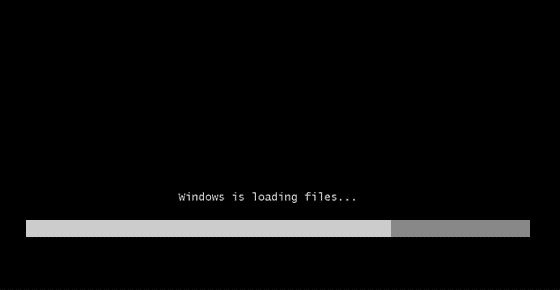
If no key is pressed, WinPE 3.1 (Windows 7 based) starts loading the kernel:
Active@ File Recovery started from the Active@ Boot Disk on an unbootable system and is ready for system recovery:
Click on the image to enlarge it.
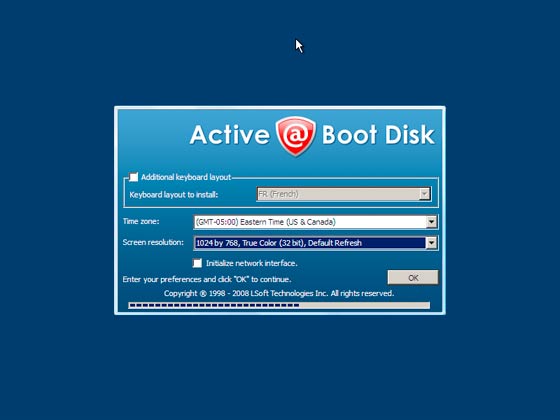
Active@ Boot Disk is loaded and ready for use:
Click on the image to enlarge it.
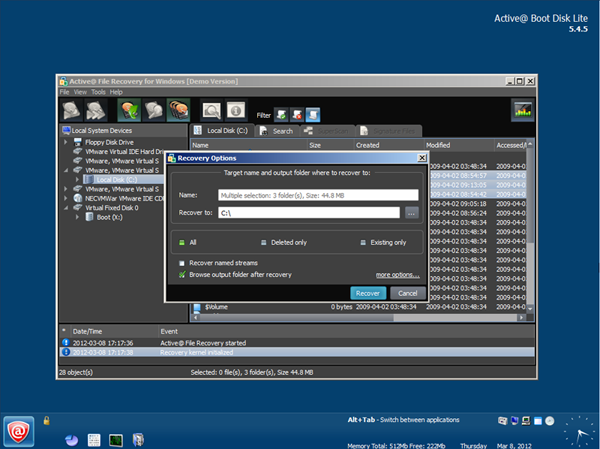
Active@ File Recovery started from the Active@ Boot Disk on unbootable system and is ready for the system recovery:
Click on the image to enlarge it.
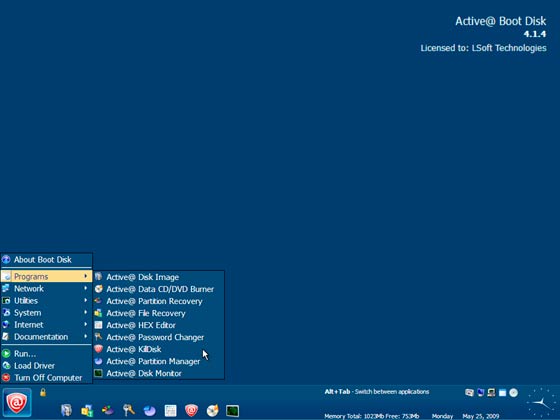
Active@ Boot Disk contains many helpful utilities in addition to Active@ File Recovery:
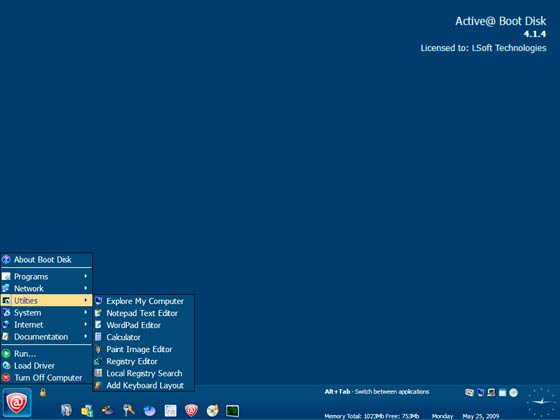
Click on the image to enlarge it.

